Wails vs Tauri: how the two frameworks differ
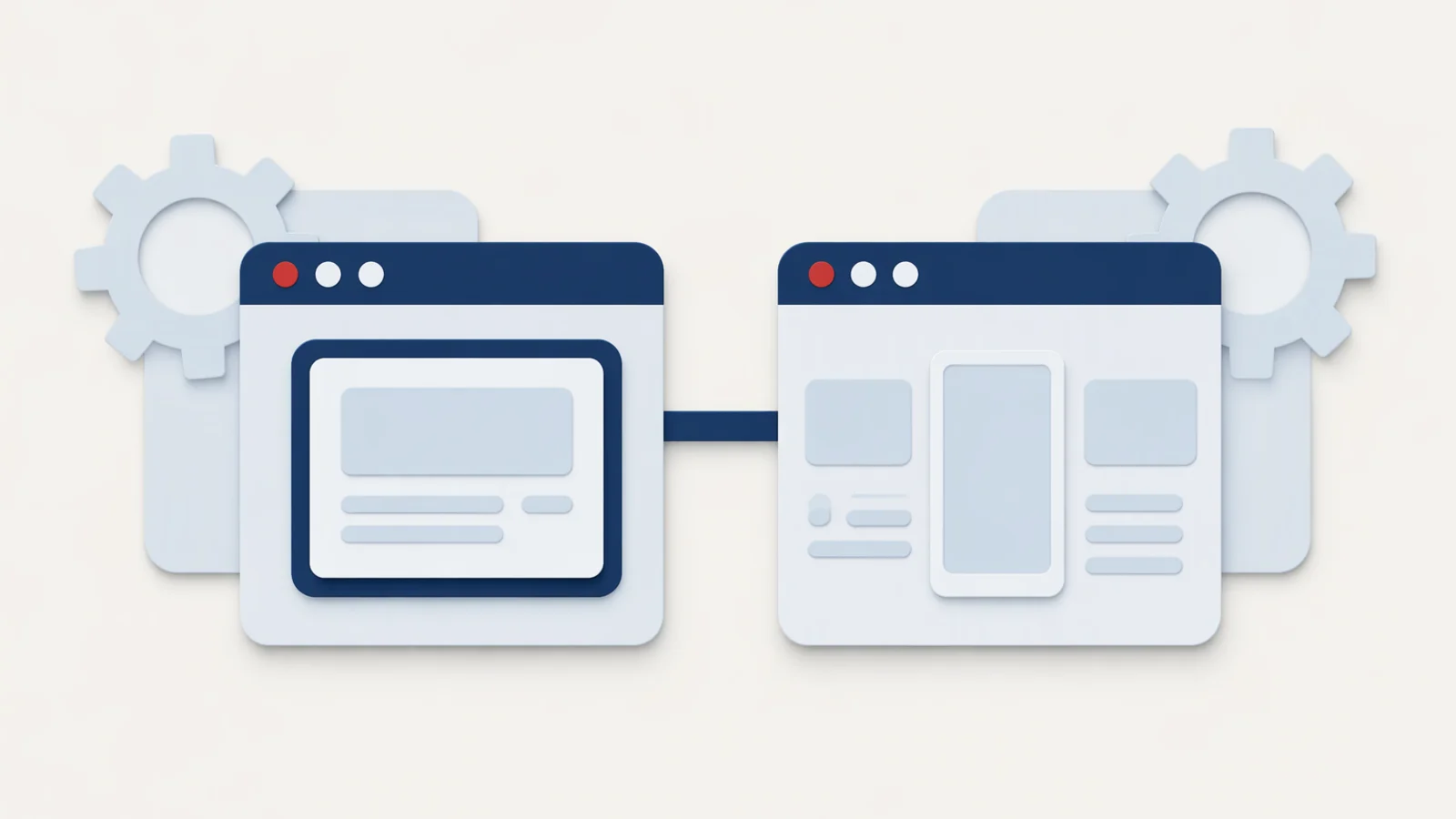
Wails and Tauri both build a desktop app from a web frontend and a native backend, and both use the web view the operating system already has instead of shipping a browser. The practical split is the backend language, Go for Wails and Rust for Tauri, and what comes after: Tauri's v2 documentation covers mobile, a signed updater plugin and a permission system, while Wails v3 is stable on desktop with iOS and Android still marked experimental. If you only want an existing website in its own window, neither is the right level, and a wrapper does that without app code.
What they share
Neither framework bundles Chromium. Tauri says its web view libraries are not included in the executable but dynamically linked at runtime, and Wails says it "doesn't bundle a browser" and uses the operating system's native web view. In both, your frontend is ordinary HTML, CSS and JavaScript from any framework that produces them, and the backend is a compiled program that owns the window and talks to the operating system.
Because the engine is the system's, both inherit the same side effect: the page is drawn by a different engine on each platform, and it updates with the system, not with your app. Tauri vs Electron for wrapping a website walks through what that means for updates and testing, so this post covers only what separates Wails from Tauri.
Language and project shape
Wails is Go. Its README lists "Use standard Go for the backend" first, and the v3 release notes call the backend "ordinary Go". You write a Go program, register exported types with the application, and the frontend lives beside it. Tauri's core is Rust, which its process model page says gives memory safety, and the start page says Swift and Kotlin can be used for backend logic when needed.
If your team already writes Go services and wants a desktop front for them, Wails lets you reuse that code directly. If you want Tauri's plugin system and the option to write Rust for system work, that is Tauri. Neither choice changes what the frontend is.
The web view on each system
The two projects name the same three engines:
- Windows: Microsoft Edge WebView2, based on Chromium. Both docs list the WebView2 Runtime as a requirement, and what WebView2 is explains the runtime.
- macOS: WKWebView, the engine behind Safari (how it works).
- Linux: WebKitGTK. Wails v3's status page says it uses GTK4 and WebKitGTK 6.0 by default and lists GTK3 with WebKit2GTK 4.1 as a legacy
-tags gtk3option it plans to remove; Wails v2 needslibgtk3andlibwebkit. Tauri's webview reference lists the WebKitGTK version several common distributions ship. See WebKitGTK.
So the Linux experience depends on the distribution's packages in both frameworks, and a page that works in WebView2 may still need a check in WebKit.
How the frontend talks to the backend
Tauri's inter-process communication page describes two mechanisms. Commands are Rust functions the frontend calls with invoke, which the page compares to fetch; arguments and return values must be serializable to JSON. Events are one-way messages either side can emit. Requests travel as serialized messages, and the Core can drop one it judges malicious. Capabilities decide what a window may call: the capabilities page says the commands you register in your app are allowed in all of its windows by default, a plugin's commands stay out of reach until a permission grants them, and the API answers only code bundled with the app unless a capability opens it to a remote URL.
Wails binds your Go code instead. In v2, you pass struct instances in Bind, and their methods appear as JavaScript methods called as if local, with TypeScript models generated for the structs they use. In v3 the same idea is organized as services, and wails3 generate bindings reads your Go source to produce TypeScript or JavaScript. Events run both ways in each version, and v3 adds streams and raw messages.
The difference you feel day to day is how access is scoped. Tauri limits plugin and core commands per window through capabilities, and can narrow your own commands the same way; Wails exposes the methods you bind, and its v3.0.0 notes tell you to treat any iframe you embed as having access to your bound Go methods.
Mobile, installers and updates
This is where the versions matter. Tauri describes itself as a framework for desktop and mobile platforms, and its plugins can include Kotlin and Swift code. Wails v2 targets Windows, macOS and Linux. Wails v3.0.0 was released on 26 October 2026, v3.1.0 followed on 1 November as the first weekly release, and the status page says the compatibility contract covers desktop (Windows and Linux on amd64 and arm64, macOS on Intel and Apple Silicon). iOS and Android work, but the project says they are experimental and outside the stable contract, as of 14 November 2026.
For packaging, Tauri builds Windows .msi installers with WiX or -setup.exe files with NSIS, and an .msi can only be created on Windows. Wails v3's release notes list NSIS installers and MSIX packages for Windows, DMG and app bundles for macOS, and AppImage, deb, rpm and Arch packages for Linux.
For updates, Tauri's updater plugin takes a static JSON file or an update server and requires a signature that cannot be disabled. Wails v3 has an in-app updater with pluggable providers, including GitHub Releases, plus verification against a public key and a rollback on a damaged update. The v3.0.0 notes list it among what is new in v3.
Plugins and extension
A Tauri plugin is a Cargo crate with an optional npm package, and it can carry Android and iOS native code. Features such as the updater are plugins you add with tauri add updater. Wails v3 organizes extension around services, ordinary Go objects with exported methods that can start up, shut down and serve HTTP routes, and its manager objects for windows, menus, dialogs and events are part of the core.
Which one to pick
Pick Wails when the backend is Go, you want one language across server and desktop code, and desktop is the target. v3 is the current stable line, and v2 still receives critical updates according to the v3.0.0 notes, but moving between them is a port: the notes call it a real port rather than a version bump.
Pick Tauri when you need mobile in the same project, or want per-window capabilities over which commands a page can call. You will write Rust for the parts that go beyond JavaScript.
For speed and size, each project publishes its own figures for an empty app, measured in different ways, so the number that counts is the one from the app you would ship.
Where Pake sits
Pake is built on Tauri, and it solves a narrower problem: putting an existing website in a window. It copies a prebuilt Tauri template, writes your options into its config and adds a set of injected scripts, so there is no app code to write (how Pake works). You give it an address, and it produces a Tauri app that uses the same system web view.
On the desktop app you do that on the Create tab with no Node.js, Rust or compiler on your computer (Create an app); the CLI does the same from a terminal and needs Node.js and Rust (getting started). If you need native features the website does not have, that is the point where a framework such as Wails or Tauri starts to make sense.
FAQ
Is Wails v3 production ready?
The project calls v3.0.0 stable for desktop and keeps mobile experimental. Its release notes also list known limitations, including a partly fixed Linux advisory, so read them for your platform.
Does Tauri need Rust to write the frontend?
No. The frontend is any framework that compiles to HTML, JavaScript and CSS. Rust is for the core, which you configure and extend with plugins.
Which one fits wrapping a website?
Neither is needed for that. A wrapper such as Pake, or the browser's install-as-app feature, opens the address without any backend code. See website to desktop app.