PWA or desktop app: which one fits a website you use every day
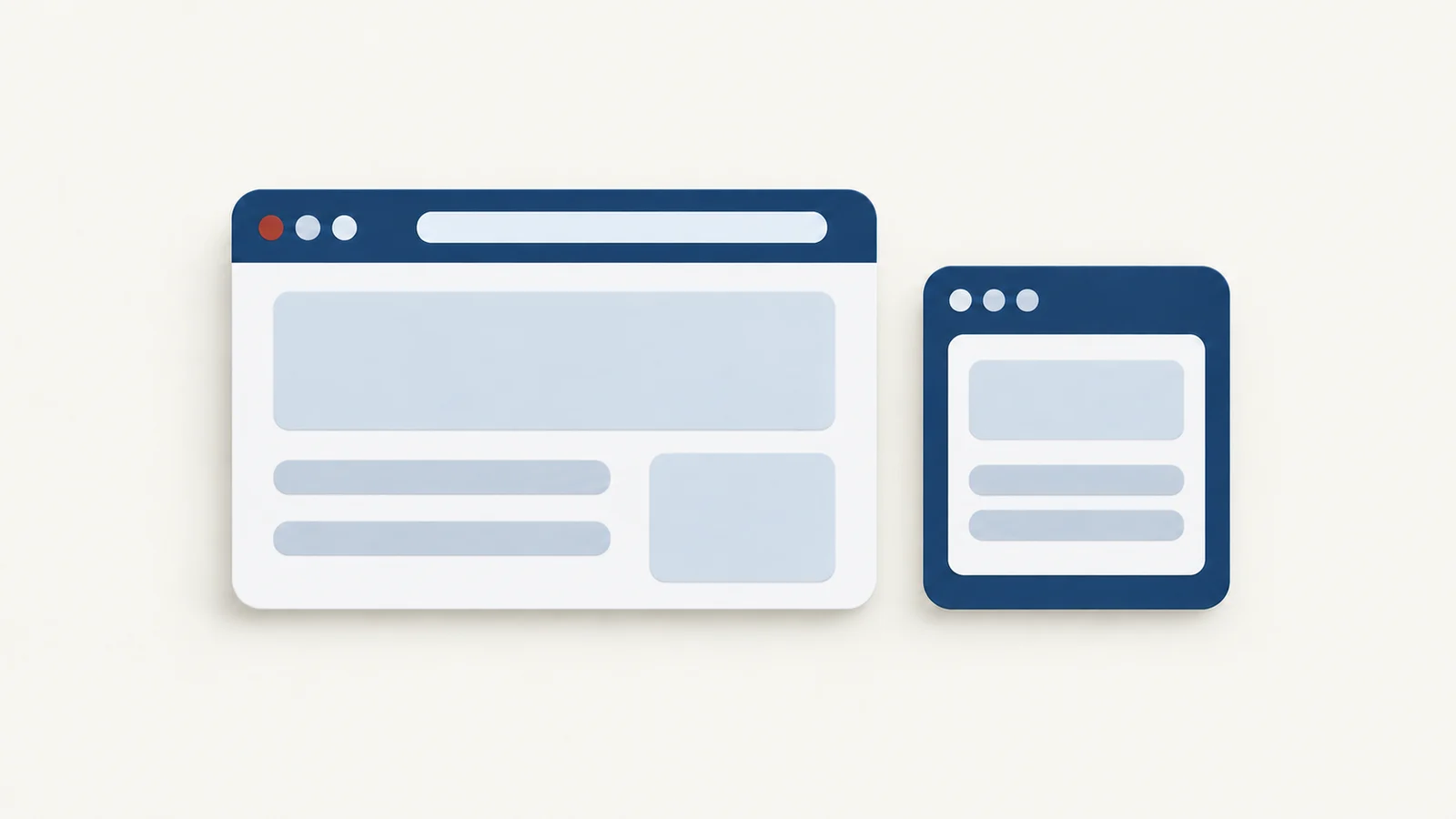
A PWA is the site's own installable version, while a wrapper app such as Pake puts any address in a native window around the system web view. Choose the PWA when the site ships one and you want its offline mode and push alerts, and choose a wrapper when the site has no PWA or you want window and shell controls the site cannot give you. Neither is a native app in the Swift or C++ sense.
What a PWA is
MDN defines a progressive web app as an app built with web technologies that gives a user experience like a platform-specific app. The site's owner does the work. A PWA needs a web app manifest, a JSON file with the name, icons and start address that tells the browser how to install it, and it often has a service worker, a script that sits between the page and the network and can cache files so some of the app works offline. MDN says a service worker is not required for installation.
Once installed, MDN says the PWA gets an icon next to other apps and can launch as a standalone app instead of a tab, run with the whole screen, work without a network, receive push messages and show notifications through the operating system. All of that is the site's choice. A site with no manifest has no PWA, and a site with a thin one installs as little more than a window.
Chromium-based browsers set the bar in MDN's installability guide: a manifest with name or short_name, icons that include 192 px and 512 px sizes, start_url and display, served over HTTPS. Pages checked on 19 October 2026.
How browsers install one
- Chrome. Open the site, choose More, Cast, save, and share, then Install page as app..., or click the Install icon at the right of the address bar when the site offers one. Google's help page lists the same steps for uninstalling on Windows, Mac and Linux, and says installed apps can be managed at
chrome://apps. - Edge. When Edge decides a site is installable, an App available icon appears in the address bar, and Install finishes it. Microsoft's guide says an installed PWA shows in the taskbar, the Start menu and Alt+Tab, offers Auto-start on device login from
edge://apps, and can add shortcuts to its right-click menu. - Safari 17 and later. On macOS Sonoma, choose File, Add to Dock..., name it and click Add. Apple's support page says the web app shares no history, cookies, website data or settings with Safari, and has back, forward and Share buttons plus Open in Safari. MDN notes this works for any site, with or without a manifest, and the WebKit announcement says Mac web apps support web push, badging, service workers and manifests. Safari copies the site's cookies into the new app at that moment, so a login usually carries over.
- Firefox on desktop. MDN says it does not install PWAs from a manifest.
How a wrapper app is built
A wrapper starts from the address, not from anything the site publishes. Pake copies a Tauri template, writes your options into its config, compiles it with Rust and bundles an installer. At run time the app is a native window around the web view of the platform: WKWebView on macOS, WebView2 on Windows and WebKitGTK on Linux, as the Tauri webview reference lists them. The site loads over the network on each launch, by default at the last page you had open, and Pake layers its own scripts on top. How Pake works walks through the build.

A PWA starts from files the site publishes and a browser installs, while a wrapper starts from an address and a native shell around the system web view.
The consequence is that nothing is negotiated with the site. It needs no manifest and no PWA at all, and the site cannot change how the window behaves except through the page itself. The other consequence is that the shell is yours to configure, and the site's offline and push features are not part of it.
What differs in daily use
| PWA | Wrapper app (Pake) | |
|---|---|---|
| Offline | A service worker can cache files, if the site wrote one | Does not automatically add offline support to a website. Offline use depends on the site and system web engine, and needs testing on the target platform |
| Notifications | OS notifications, plus push while the app is closed (MDN) | Pake replaces the page's Notification class and hands alerts to the OS; it has no handling for web push, so alerts need the app running |
| Menu bar or tray | Not in MDN's list of what a PWA can do | --show-system-tray adds one, off by default; on a Mac, closing the window hides it instead of quitting |
| Shortcuts | App shortcuts in the right-click menu (Edge) | A fixed set such as Cmd [ and Cmd R, and --activation-shortcut for a global one |
| Window control | The site's manifest picks the display mode | --width, --height (1200 by 780 by default), --always-on-top, --hide-title-bar on Mac |
| Updates | The service worker lifecycle; a new version waits until old pages close (MDN) | The site updates itself; the shell changes when you rebuild |
| Storage | Safari's web app is kept apart from Safari | Each app has its own web view data, and on Windows its own WebView2 profile |
On notifications, website notifications in a desktop web app covers what Pake bridges and what it cannot. On windows, keeping a web app always on top and customizing a web app window show the options in use. On the tray, a website in the menu bar or tray has the two settings.
Storage is a quieter difference. Safari's web app keeps its cookies apart from Safari, and a Pake app on Windows uses its own WebView2 profile, not Chrome's or Edge's, so a sign-in in one place does not appear in the other. A wrapper's --incognito flag goes further and keeps no cookies, local storage or history, which is why the gallery's WeChat app asks for a QR scan every launch.
When each is the better choice
Choose the PWA when:
- The site publishes one. Install it from the browser, and the site's offline mode and push keep working.
- You need notifications while the app is closed, since that is web push, which Pake does not handle.
- You do not want to install anything but your browser. Safari's Add to Dock... takes a minute and needs no tools.
Choose a wrapper when:
- The site has no PWA, or its manifest is thin. A wrapper works for any address.
- You want a specific window, such as a narrow always-on-top player, a frameless window or a tray icon.
- You want a build you control. The CLI builds for Mac, Windows and Linux.
A wrapper has its own limits. Google refuses sign-in in embedded web views, Pake's FAQ says passkeys and Touch ID are not available in Pake apps on macOS, and some sites put a Cloudflare challenge in front of the page that the system web view can fail. The sign-in guide covers the first. For sites that refuse embedded sign-in, Pake's FAQ points to the regular browser, a browser-installed app or a native client, so the PWA is the fallback there; test sign-in in it before you move.
Check what you have
To see whether a site offers a PWA, open it in Chrome or Edge and look for the install icon in the address bar. If there is none, Safari's File, Add to Dock... still works. To see why the icon is missing, open DevTools, go to the Application panel and select Manifest: Chrome's DevTools guide says it shows the parsed manifest and, when something blocks installation, an Installability section describing the error, such as an icon that fails to load. After installing, close the app and open it again from the Dock or Start menu, then check that you are still signed in. To test offline, turn off the network and reopen the app: a page that loads is cached by the site, and one that fails is not.
For a wrapper, build with the CLI after the getting started setup:
pake https://example.com --name ExampleThen quit and reopen it to confirm the window and the sign-in behave. Website to desktop app lists what to test.
FAQ
Is a PWA a native app?
No. MDN describes it as built with web technologies and providing an experience like that of a platform-specific app.
Does Pake make PWAs?
No. Pake builds a Tauri app whose window loads your address. It adds no manifest and does not install through the browser.
Which one starts faster or uses less memory?
Nothing cited here measures that. Both draw the page with a browser engine, and a heavy page costs memory in either, so try the site both ways.