Customize a web app's window, icon and page styles
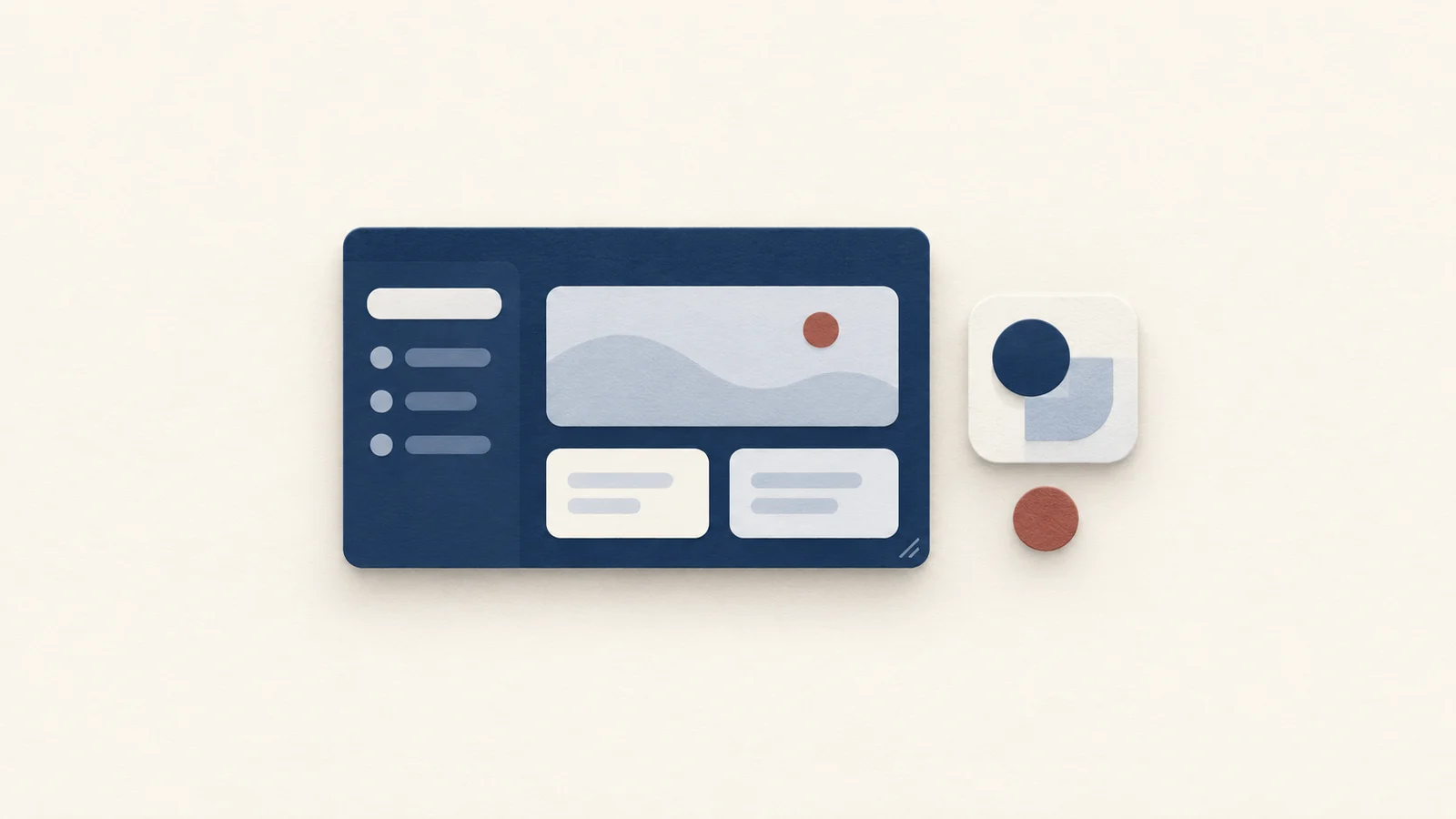
A Pake app has three layers you can change separately: the window frame, the icon, and the page inside, which belongs to the website. Change the frame first, because it never touches the site, and use injected CSS or JavaScript only when the page itself is the problem.
Know which layer you are changing
The window is a native shell that Pake creates around a web view. Its size, title bar, dark frame and stacking order are native window properties, so they behave the same on every site. The page is whatever the website sends, drawn by the system web view: WebKit on a Mac, WebView2 on Windows. Pake does not restyle it, which is why Dark window turns the frame dark and leaves a light page light.
Injected code sits between the two. Whatever you put in Inject CSS is wrapped by Pake into a <style> element and appended to the page's <head> when the page loads. Pake puts both into one custom script, so Inject JavaScript is placed right after the CSS code and runs on every page the app opens. Both live on the website's side of the line, so they can break when the site changes its markup.
Set the size and the icon
Open the app from My Apps with Edit. On a Mac the row is Size, on Windows Window size, and each side can be 200 to 10000, with 1200 by 780 as the default. Pick a width where the site's main controls still fit without a horizontal scrollbar, click Save Changes, and reopen the app. Editing reinstalls the same app in place, so it keeps its sign-ins, and changing the size clears the window size the app last remembered, which is what lets the new starting size take effect.
On the icon row, click Choose… or drop an image onto it. A Mac accepts PNG, JPEG, ICO, ICNS, TIFF and WebP, Windows accepts PNG, JPEG, ICO, BMP, GIF, WebP and TIFF. Look at the result at the size it shows in your Dock or Start menu, where a detailed picture turns to mush and a plain mark stays readable. Remove goes back to the site's own icon, and when a site has none Pake draws a letter icon.
Match each option to the problem
| You want | Setting | Where |
|---|---|---|
| A small window that stays in front | Always on top | Window |
| The page to reach the top edge of the window (Mac) | Hide title bar | Window |
| A dark title bar and frame | Dark window | Window |
| More than one window of the app | Multiple windows | Window |
| Page search with Command-F or Ctrl-F | Find in page | Behavior |
| Closing the window to keep the app running | Hide on close | Behavior |
| A sign-in pop-up that stays inside the app (Windows) | Open new windows in the app | Behavior |
| Links to stay in the app or go to your browser | Internal URL regex | Advanced |
The first four are native frame settings. Always on top has its own guide in keeping a web app on top, and Hide on close with the menu bar or tray icon is covered in putting a website in the menu bar. On a Mac, Hide title bar is a window setting that is easy to mistake for a page setting: with it off, the title bar takes the page's color, and with it on, the page runs up to the edge.
Every app also has zoom shortcuts, Command and =, - or 0 on a Mac and Ctrl with the same keys on Windows, so you can often fix a page that looks too big or small without any code. The keyboard shortcut reference lists them.
Decide what stays in the app
By default a link to the same site opens in the app, and other links open in your browser. Internal URL regex under Advanced replaces that rule: links whose address matches the regular expression stay in the app. A pattern such as ^https://(app|accounts)\.example\.com keeps two subdomains inside and sends everything else out. If the expression is not valid, Pake refuses to save. A sign-in that opens a pop-up is a different problem and, on Windows, belongs to Open new windows in the app, which the sign-in guide walks through.
Add one CSS rule when the page needs it
Advanced holds Inject CSS and Inject JavaScript. A reading-focused example for a site you use daily:
article {
  line-height: 1.7;
  max-width: 46rem;
  margin: 0 auto;
}
It only helps if the page uses an article element and its own styles do not win. Many sites set properties with more specific selectors, and then you need a more specific selector of your own, or !important on that one property. Make one visible change first, then open a second page, a settings page and a form, because injected CSS applies to every page the app opens and a broad selector like div or button reaches things you did not mean to touch.
Use CSS before JavaScript. A style rule fails quietly when the markup changes, while a script that clicks or removes elements can fail in ways that are harder to notice. When a rule stops working after a site redesign, open the page in a browser, inspect the element, and update the selector, since the app does not need to be rebuilt from scratch.
Check the result and recover
After Save Changes, reopen the app rather than relying on the open window. If the size looks wrong, confirm the numbers are in the 200 to 10000 range and that you are editing the right app. If the page looks broken after a CSS change, clear Inject CSS, save, and reopen: the page returns to what the site sends. Imported settings arrive with custom code switched off, and you enable it with Use Imported Code after reading it under Advanced.
With the command line, the same choices are flags. --width, --height, --hide-title-bar, --always-on-top, --dark-mode and --inject ./style.css cover the options above, and the CLI options list the rest, including --min-width, --min-height and --zoom, which the desktop app does not show as fields.
Keep a copy of settings that work
Once the layout is right, export the app's settings from its ⋯ menu. The file keeps size, options, link rule, CSS, JavaScript and icon, and leaves out sign-ins and cookies. See moving settings between computers and the full creation options.
FAQ
Why is my page still light when Dark window is on?
Dark window only changes the title bar and window frame. The page keeps the colors the site chooses, so use the site's own theme setting or write CSS for it.
Do I have to rebuild the app after changing the window size?
No. Edit it from My Apps, click Save Changes and reopen. Pake reinstalls the same app in place.
Can injected CSS affect other websites?
It applies to every page the app opens, which includes pages on other domains if you let links stay inside the app. Keep selectors specific.