Website notifications in a desktop web app
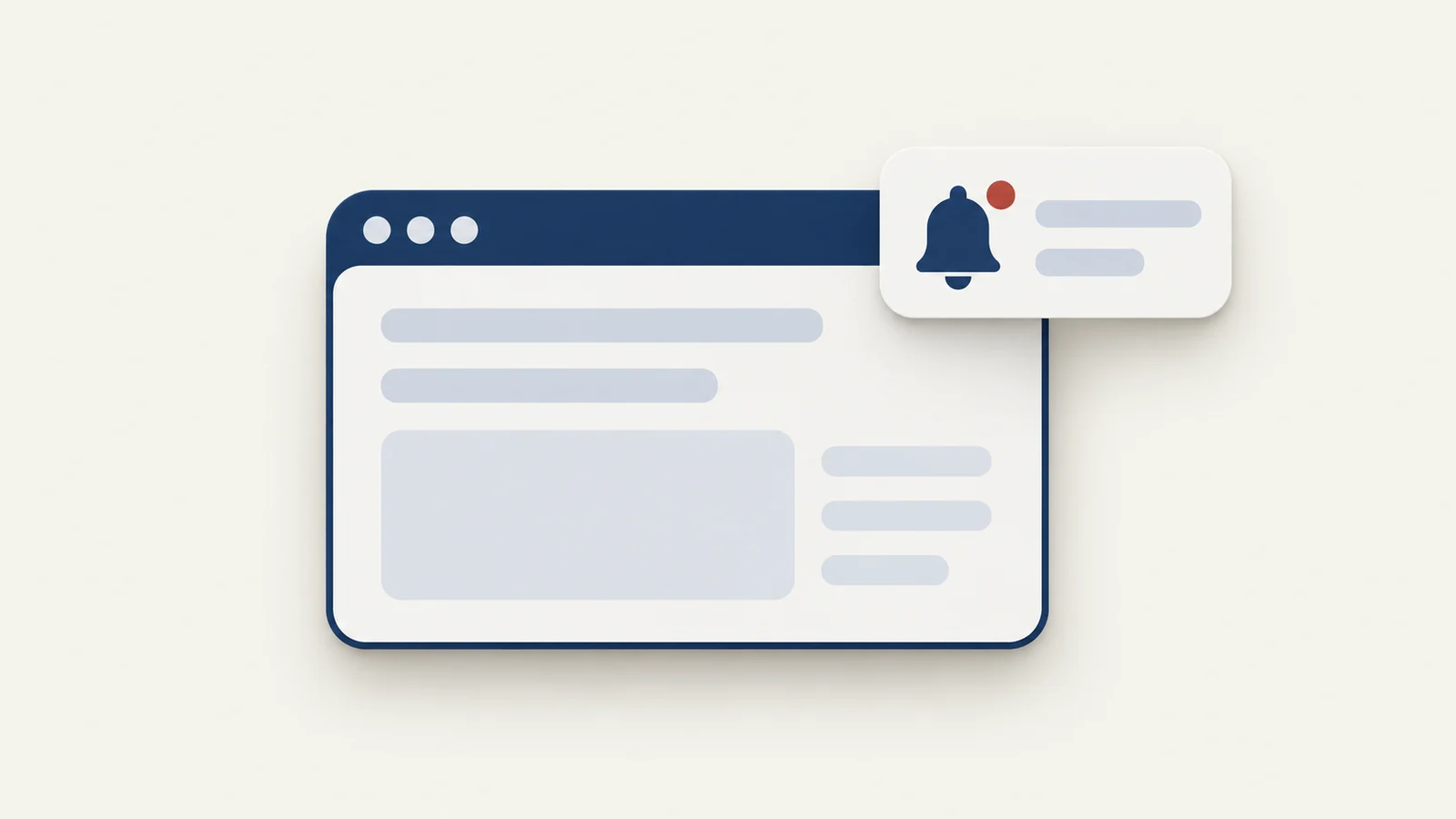
A Pake app answers a page's notification request itself, reports permission as already granted and hands the alert to the operating system. The page asks through the standard Notification API, so what you see depends on the system's notification settings, Focus or Do Not Disturb, and not on a browser prompt. If nothing appears, check those settings first, then whether the site uses plain Notification calls at all.
What a page does to ask for notifications
A site that wants to alert you calls Notification.requestPermission() and, once the answer is "granted", creates new Notification(title, { body, icon, tag }). Chat and mail sites usually do this when a message arrives while the tab is in the background. Some sites also check "Notification" in window before showing their own "turn on notifications" button, and hide the button when the check fails.
In a browser, the first call shows a permission prompt and the browser remembers the answer per site. A Pake app has no such prompt. In the injected script, Pake keeps a permission value that starts as "granted", and requestPermission resolves with it at once, also calling a callback if the page passes one. So a site that waits for a click on "Allow" never sees the dialog, because the answer is already yes by the time it asks.
How Pake delivers the alert
Pake replaces window.Notification with its own class before the site's scripts run. The class keeps the API shape sites expect: title, body, tag, icon, silent, onclick, close() and the show, click, close and error events. When a page creates a notification, the script calls a Pake command, send_notification, in the Rust side of the app. The page needs the Tauri bridge for this, and Pake's docs say native notifications work only on the exact configured website origin (scheme, host and port), not on login redirects or other origins. Package the final address the site settles on, including www or a workspace subdomain.

Pake swaps the page's Notification API for its own before the site loads, so every alert goes through the app, and only macOS reports the click back.
On the Rust side the delivery path depends on the system:
- macOS. Pake hands the alert to the system notification center itself, through a small native delegate, so it learns which notification you clicked. The click brings the window back, unminimizes it if needed, and calls the page's click handler with the exact notification, which is how a chat site can jump to the right conversation. The banner is shown even when the app is frontmost.
- Windows and Linux. Pake uses the notification plugin for Tauri, which hands the alert to the platform. On Windows a notification is silent only if the page sets
silent; otherwise Pake asks for the default system sound. Linux uses the same plugin; the source comments describe it as going throughnotify_rust, so whatever notification service your desktop runs shows it.
These platforms cannot tell the page which alert you clicked. Pake approximates: if the window regains focus within 60 seconds of a notification that arrived while it was in the background, and you have not interacted with the page in the meantime, it treats that as a click on the newest notification. This can misfire if you switch back by hand.
Two more details from the code. A new notification with the same tag replaces the previous one, as in a browser. With --multi-window, one message would otherwise raise a notification in every window, so on macOS Pake drops a repeat of the same title and body coming from a different window within a second. Notifications also feed the badge: on a Mac, unread ones increment a count on the Dock icon, and the Web Badging calls setAppBadge and clearAppBadge are bridged too. The count clears on your next click or keypress in the page. On Linux the badge goes through Tauri's taskbar badge, which shows only on desktops that support one, and Tauri has no taskbar badge on Windows.
OS settings that silence them
Pake can only hand the alert over. After that the system decides:
- On a Mac, the alert appears under the app's own name, so check the system notification settings for that app and whether a Focus mode is active. A Focus can hold back apps you did not allow.
- On Windows, check the notification settings for the app and whether any do-not-disturb mode is on.
- On Linux, nothing shows unless a notification service is running in your session; minimal window managers often have none. Install and start one before blaming the app.
Menu names change between system versions, so search your system settings for "notifications" rather than following a fixed path.
If notifications arrive while the window is closed, the app has to still be running. Hide on close keeps it alive when you close the window; it is on by default on Mac and off on Windows, where it also turns on the tray icon. On the CLI the same behavior is --hide-on-close plus --show-system-tray, off by default on Windows and Linux. The menu bar and tray guide goes through both.
Why a site shows nothing
- The site uses web push. Push notifications that arrive while the page is closed rely on a service worker and the Push API, not on
new Notification. Pake's code bridges the Notification constructor and the badge calls; it has no handling for push messages or forshowNotification()on a service worker registration, so do not count on those alerts and test the site before relying on it. A site that alerts withnew Notificationwhile the page is open will work. - The page loads from another origin. The bridge is only granted to the configured origin, so an app packaged with the wrong address, or a page served from a different subdomain after sign-in, falls back to no native notifications.
- The site is muted. Many sites have their own "desktop notifications" switch in their settings, and it may be off for this app because a new app has no saved state, like a new browser profile. Turn it on once inside the app.
- A notification service or Focus is blocking it, as above.
- The site shows its own banner inside the page for some events and uses real notifications only for others.
Test with a known case
Build with --debug, which enables developer tools, and open them with Cmd Option I on a Mac or Ctrl Shift I on Windows and Linux. In the Console, type:
new Notification("Pake test", { body: "Hello from the page" })An alert in the system's notification area means the bridge, permission and operating system are all working, and the problem is the site. If this shows nothing, the cause is the origin, the system's notification settings for the app, a Focus mode or a missing notification service. Also check Notification.permission, which should read granted.
Download errors
Pake itself raises one notification of its own: when a download fails, it shows a native notification once permission is granted, and otherwise logs to the console. Because permission is always reported as granted, this normally appears.
The desktop app
The Pake desktop app manual for Mac and Windows does not cover notifications, so check an app you created by sending yourself a real message. For apps that need alerts while closed, turn on Hide on close, and on Windows the tray icon comes with it. A site that signs in oddly may need a look at the sign-in guide, since a login on another origin does not get the bridge.
FAQ
Do I have to click Allow?
No. Pake reports permission as granted from the start.
Can I turn notifications off for one app?
Use the system's notification settings for that app, or the site's own notification switch. Pake has no option for it.
Will clicking a notification open the right chat?
On macOS the click is routed to the notification that was clicked. On Windows and Linux Pake guesses from window focus, so it works best when you click soon after the alert.