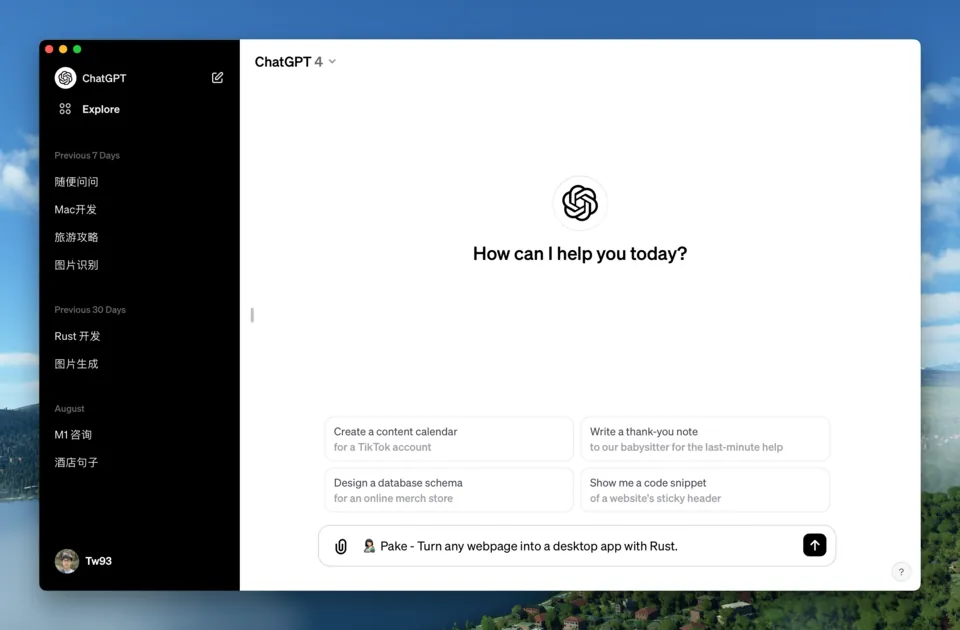
Pake殼
Turn any website into a lightweight, cross-platform desktop app.
Mac, Windows and LinuxFree, open-source CLI
GitHubStill in development
Pick a site. Make it an app.
Choose a gallery app or paste a website, with no compiler to install. Manage settings and updates in one window, create separate apps for additional accounts, and export settings to another computer. Explore the app
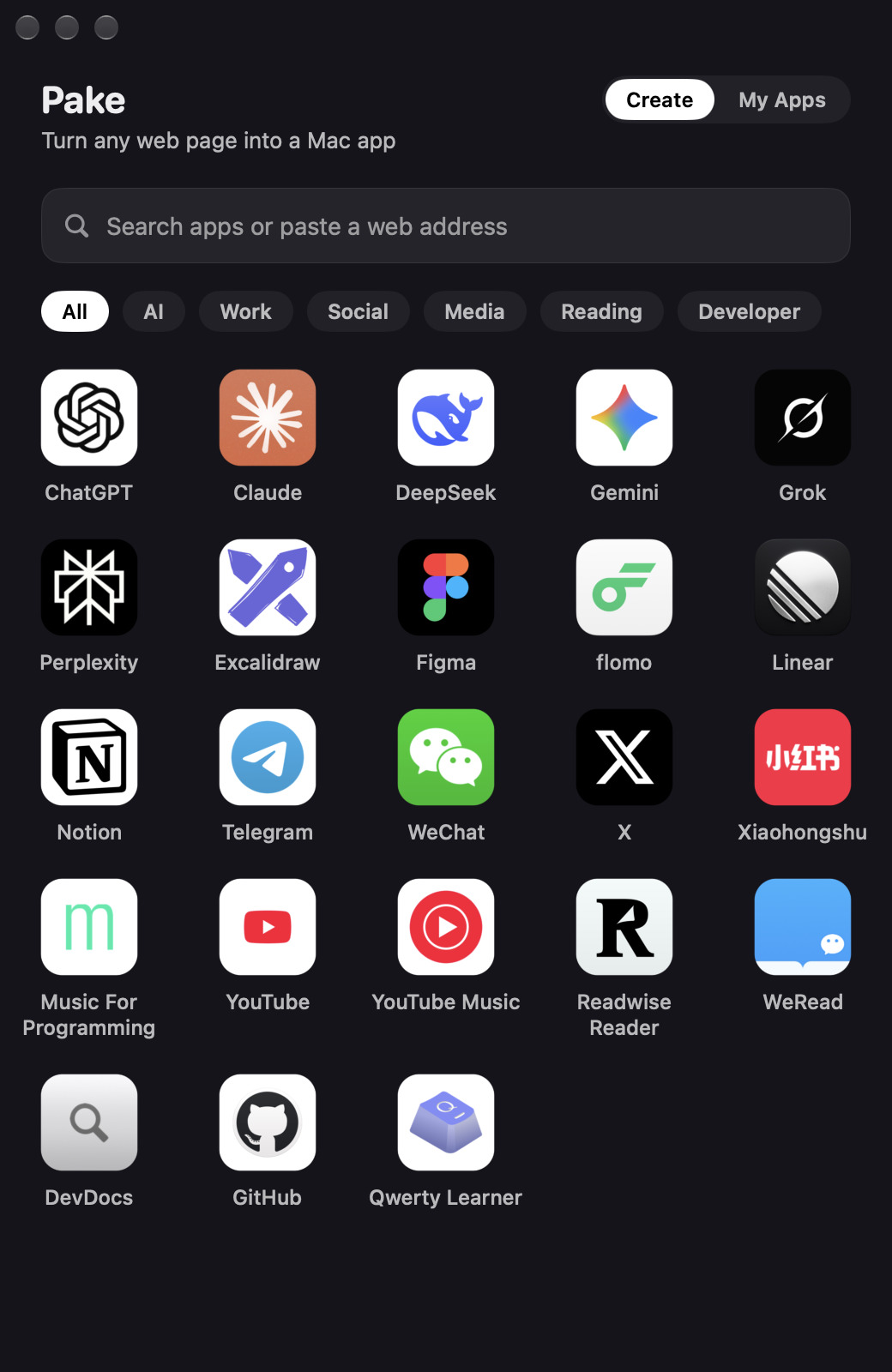
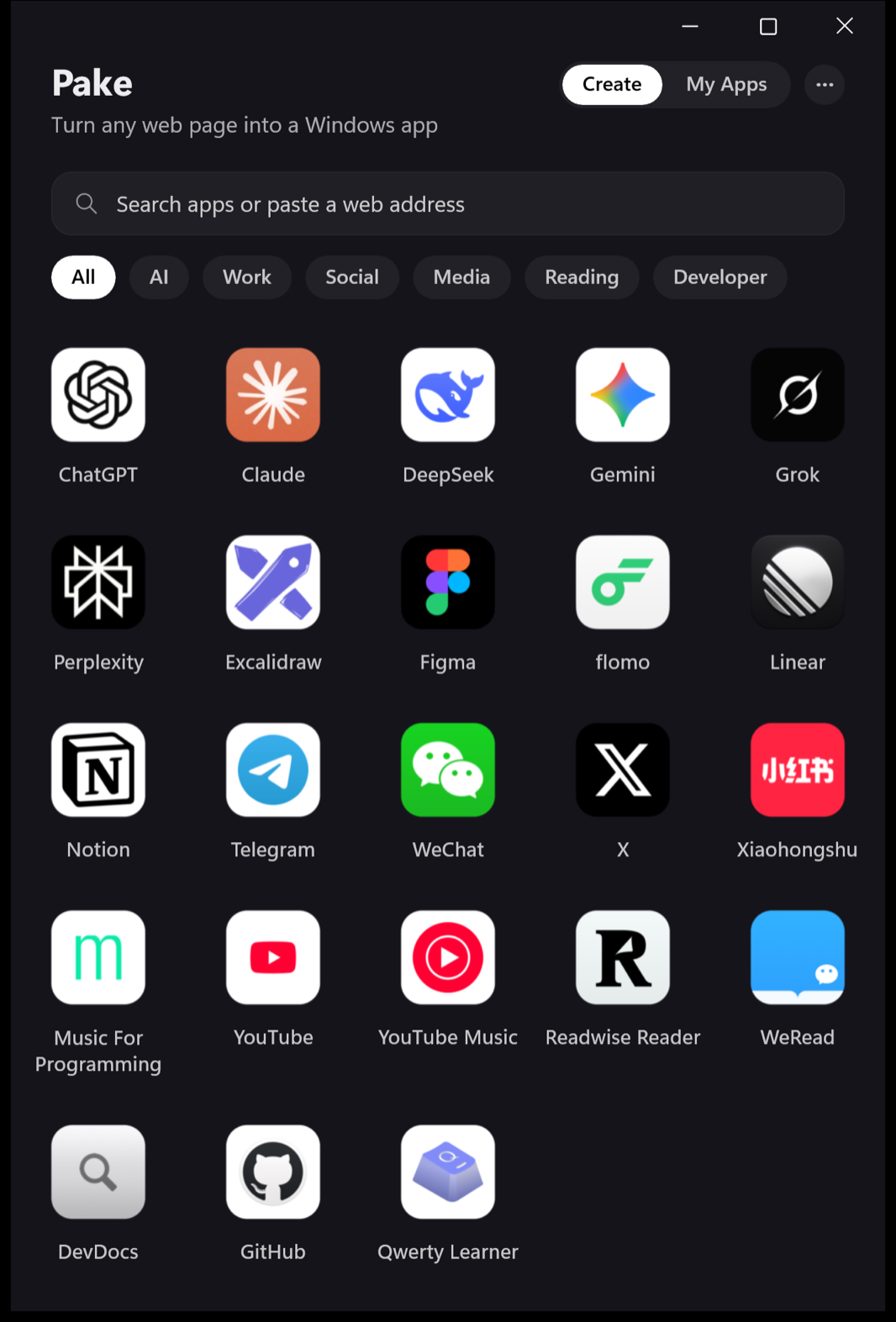
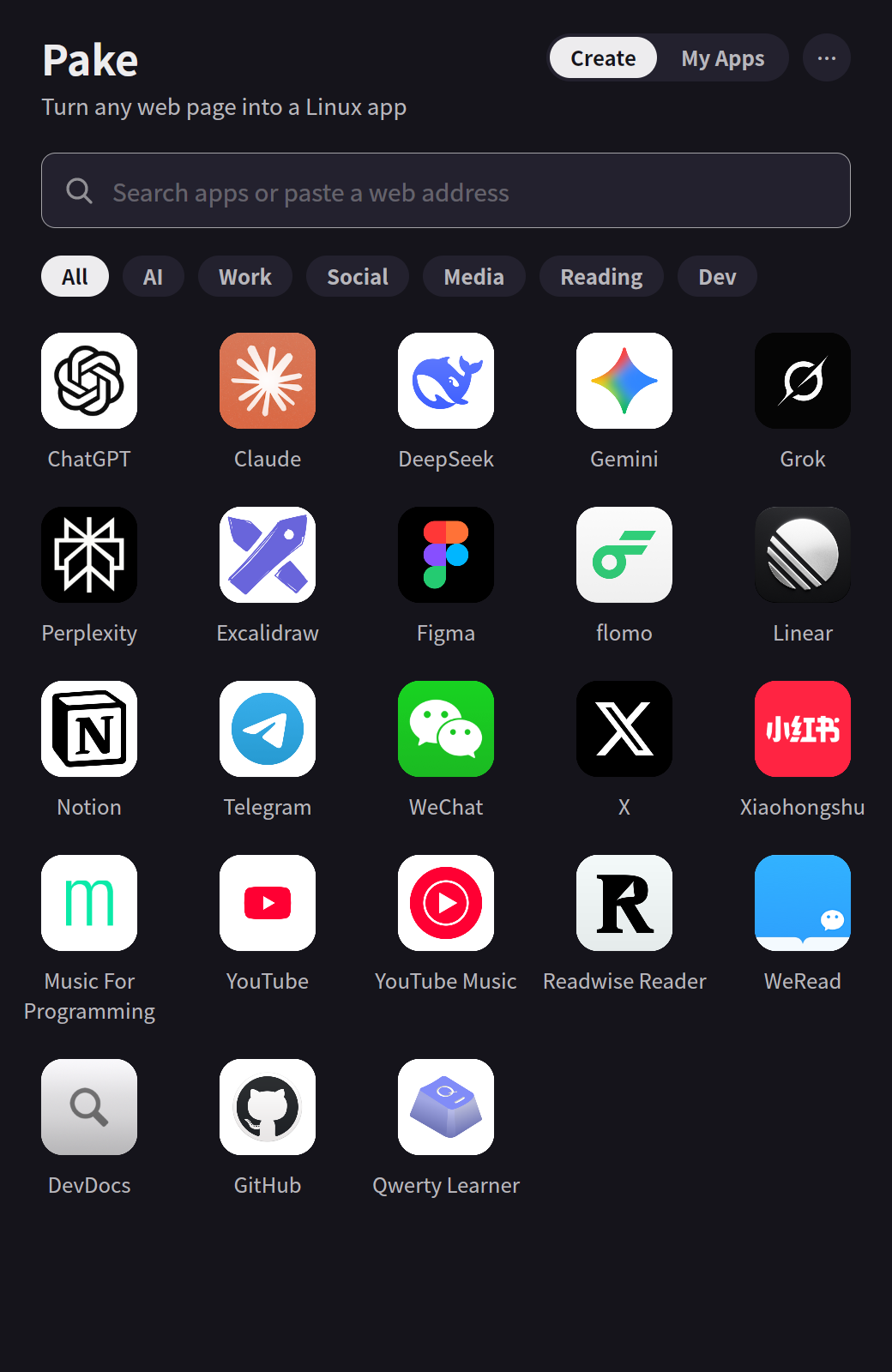
Prefer the terminal? Use Pake CLI.
Install the CLI and point it at a URL. Pake fetches the site icon, wraps the page in the system WebView and hands you a native installer: a .dmg on macOS, an .msi on Windows, and .deb, AppImage or .rpm on Linux.
The first build sets up Rust and takes a while; later builds are quick. A local build works the same way with pake ./dist --name MyTool, and if you would rather not install anything, the GitHub Actions workflow builds the app for you.
$ npm install -g pake-cli
$ pake https://music.youtube.com --name YouTubeMusic
Ready-made desktop apps
Built by Pake from each release, so you can try one before packaging anything yourself.
 ChatGPT
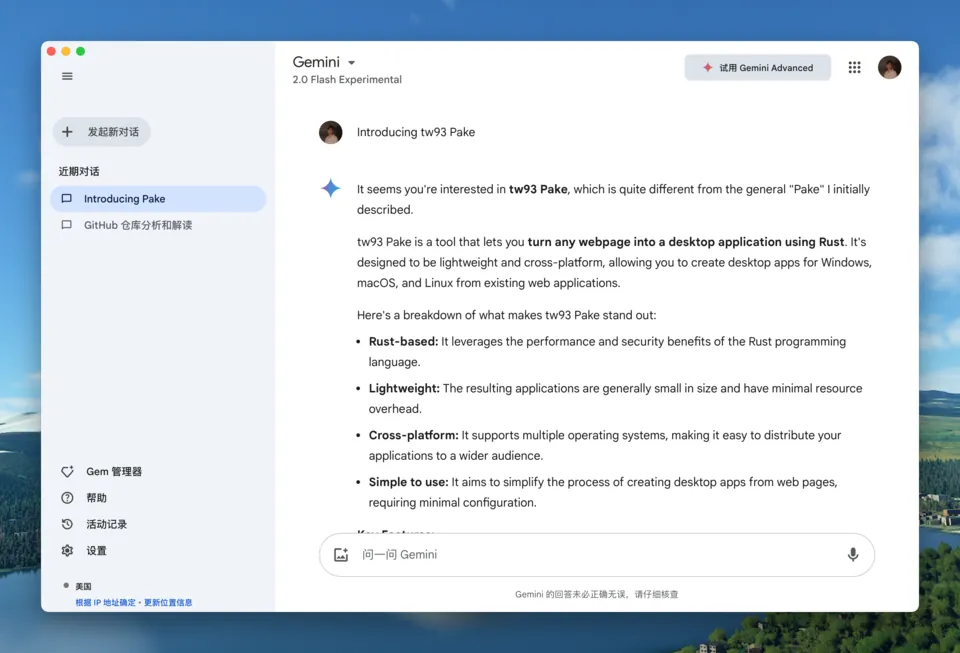
 Gemini
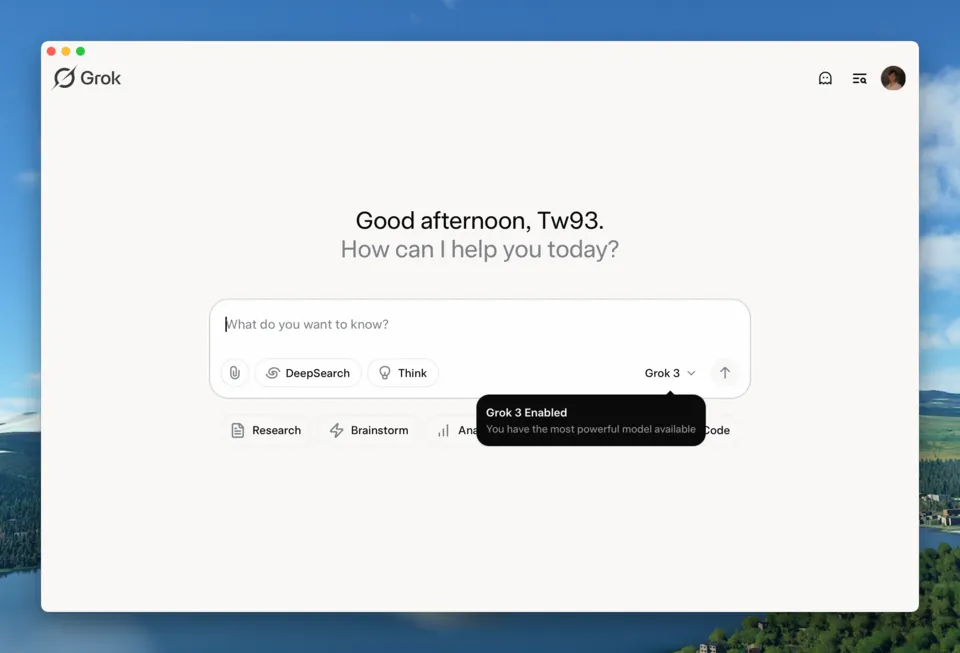
 Grok
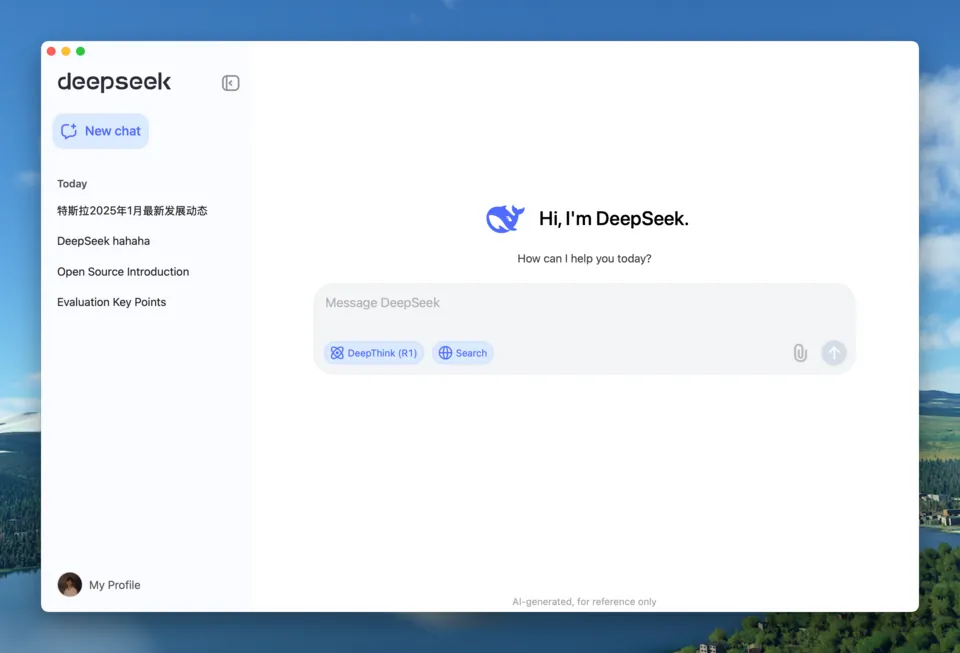
 DeepSeek
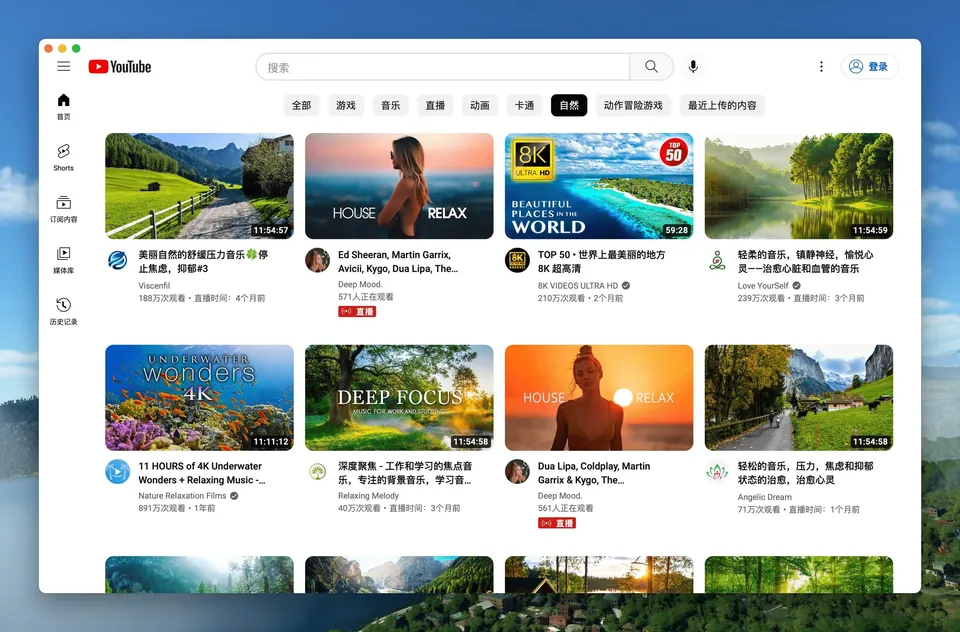
 YouTube
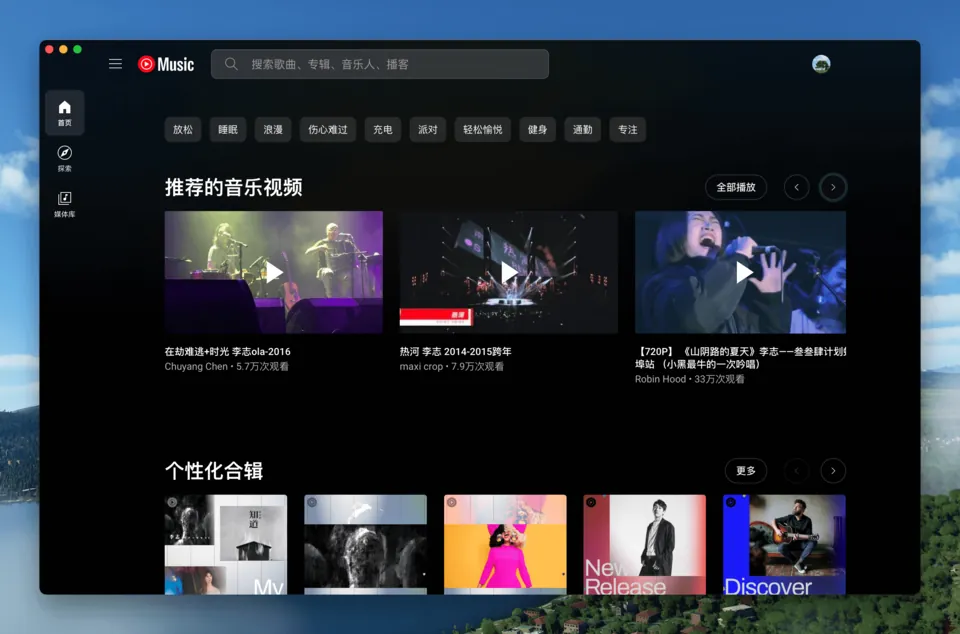
 YouTube Music
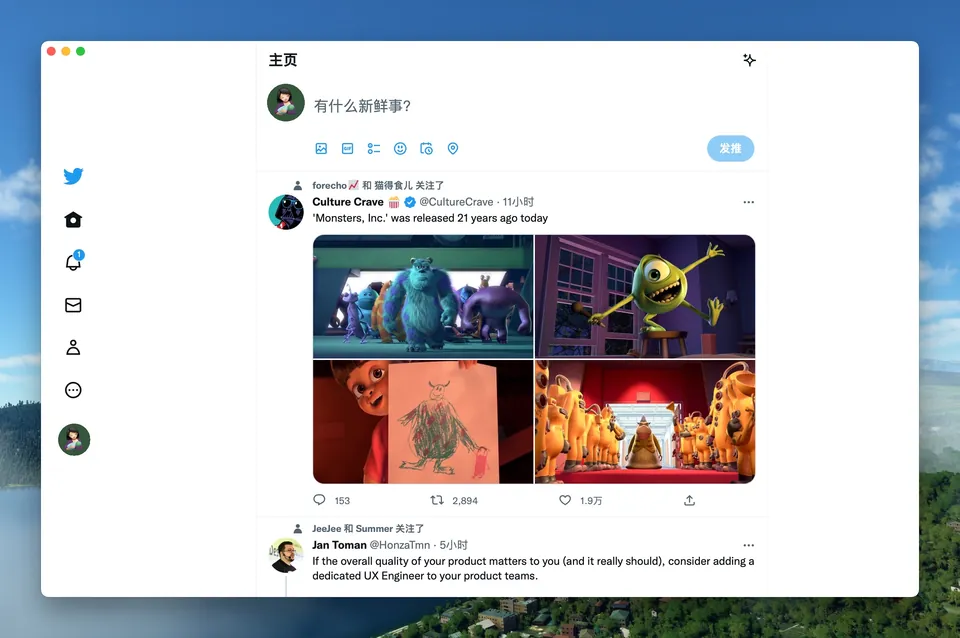
 X (Twitter)
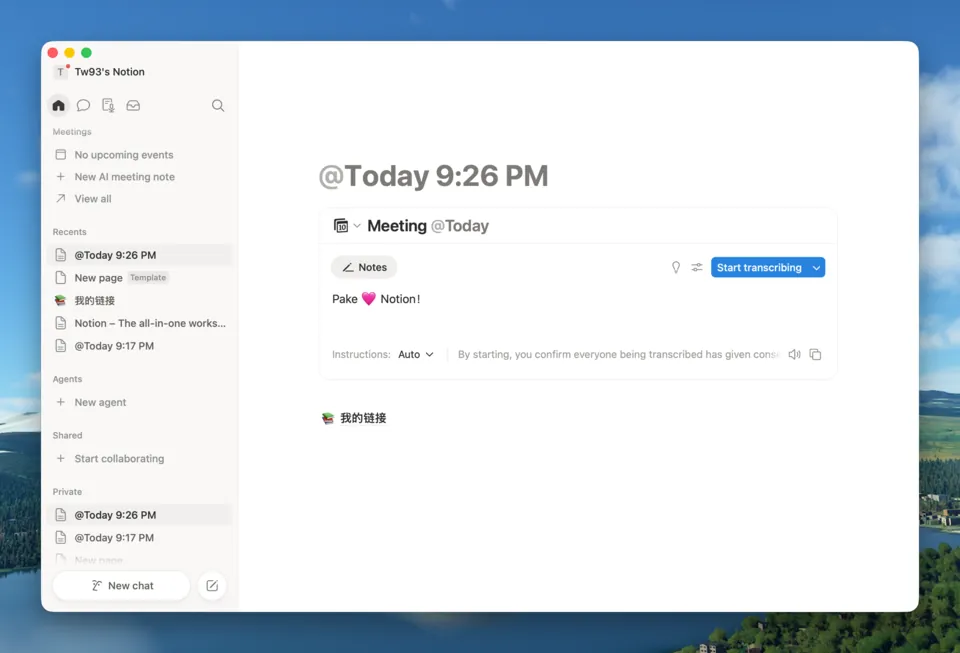
 Notion
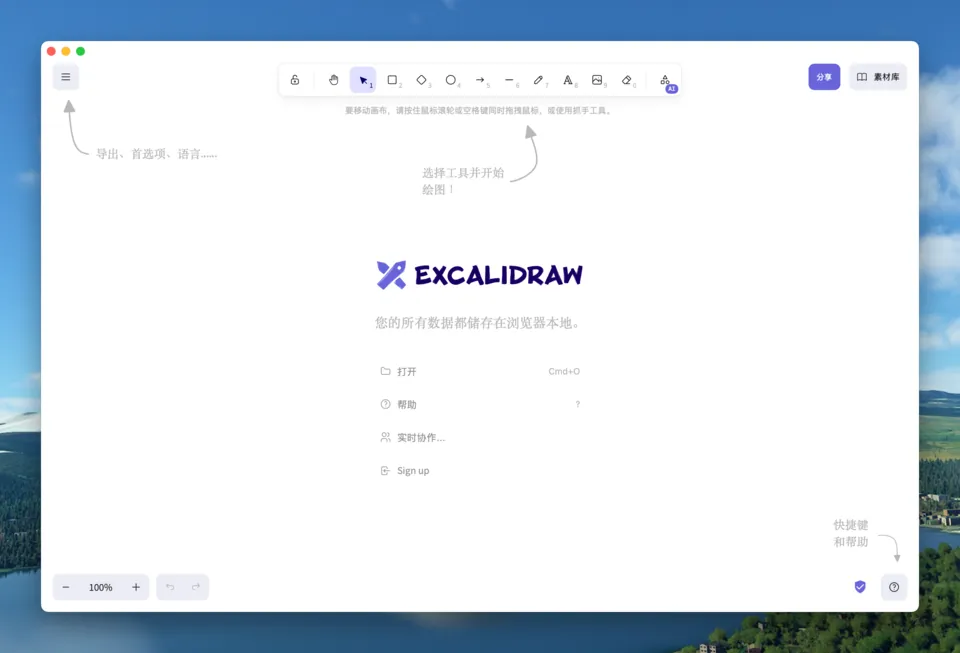
 Excalidraw
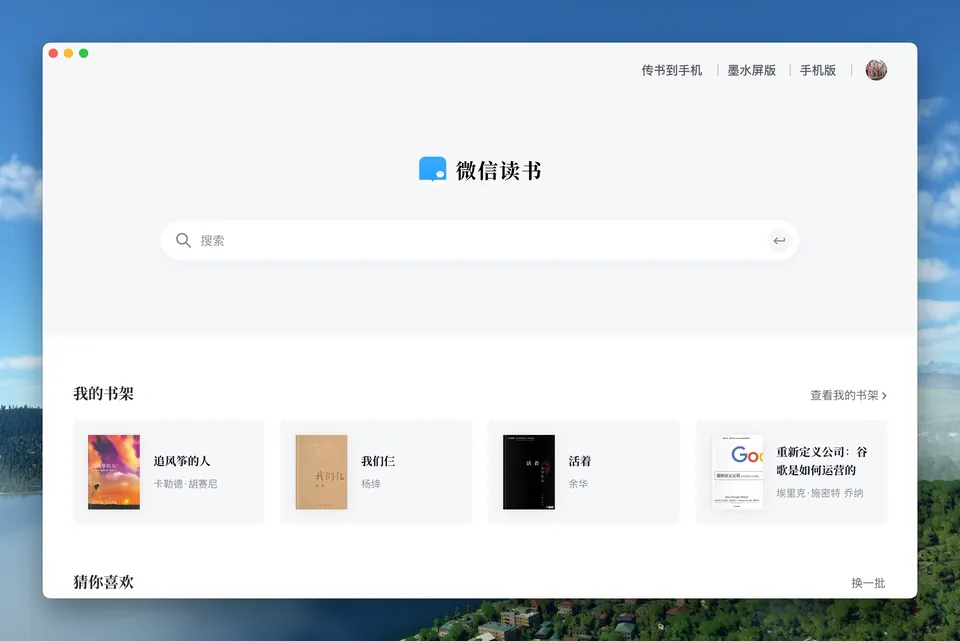
 WeRead
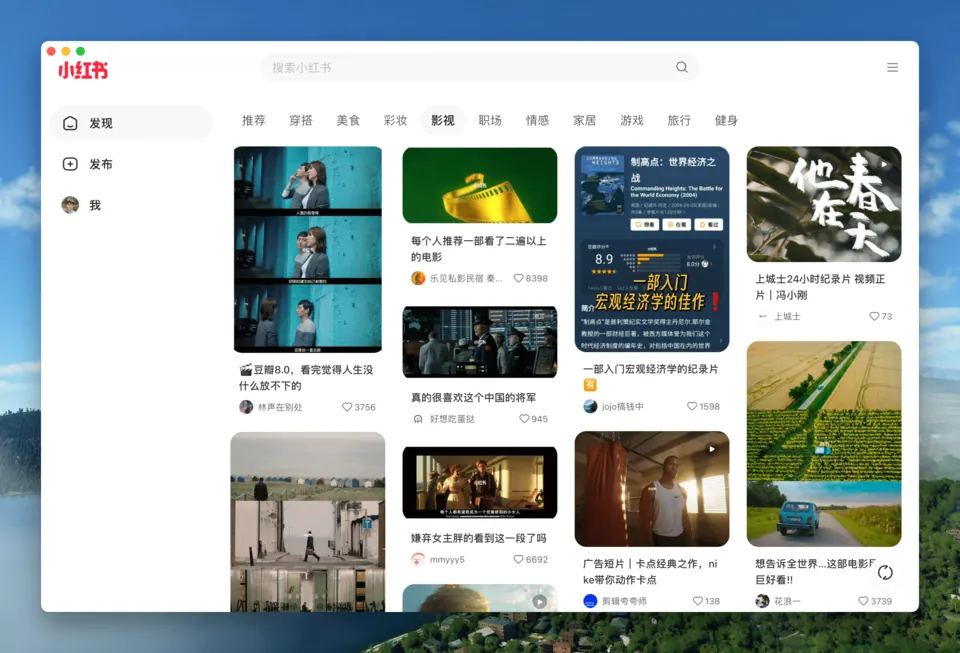
 Xiaohongshu (RedNote)
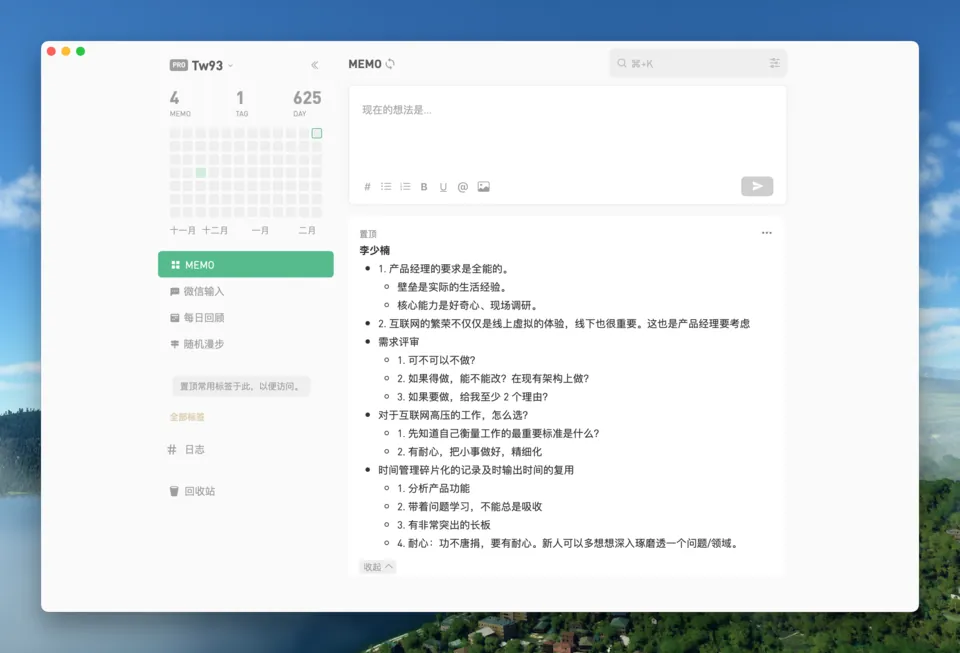
 flomo
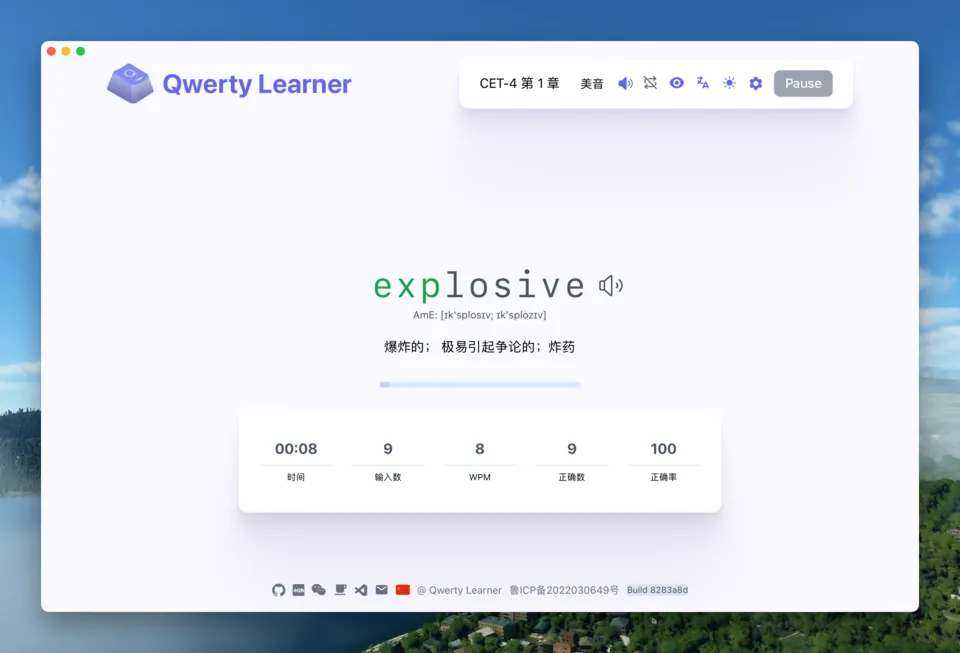
 Qwerty Learner
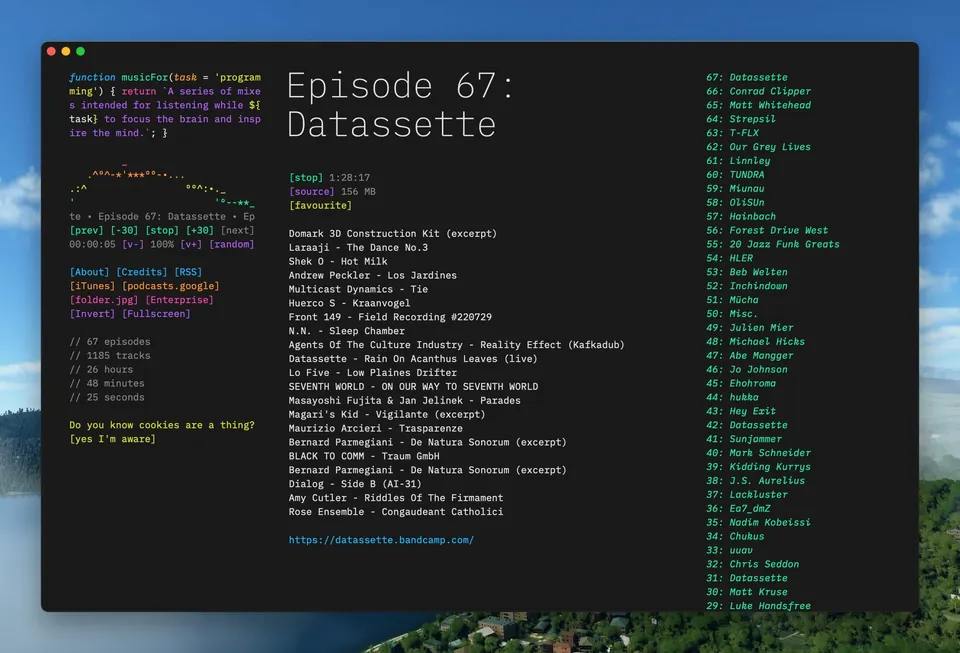
 Music for Programming
Pake CLI, Nativefier and Electron
Nativefier was archived in 2023. Pake keeps the same one-command idea but drops the bundled Chromium.
| Pake CLI | Nativefier | Electron app | |
|---|---|---|---|
| Rendering engine | System WebView (WebKit, WebView2) | Bundled Chromium | Bundled Chromium |
| Installer size | Usually under 10 MB | Carries a full Chromium | Carries a full Chromium |
| How you build it | One command | One command | Write and maintain an app |
| Status | Actively maintained | Archived in 2023 | Actively maintained |
Works with scripts and AI agents
Pass --json and stdout carries exactly one JSON result, with stable exit codes, or describe an app in a file with --config app.json. The full contract lives in llms.txt.
To give an agent the official skill, run /plugin marketplace add tw93/Pake in Claude Code or codex plugin marketplace add tw93/Pake in Codex.
Common questions
Is Pake free?
Pake CLI is free and open source. The desktop app is coming soon. You can preview its user guide.
Which version should I use?
Use the desktop app to choose a website and adjust its settings without a compiler. Use the CLI for local projects, scripts or CI.
Do I need Node.js or Rust?
The desktop app needs neither. Building with the CLI needs Node.js 20.9 or later and Rust. You can also download a ready-made app above.
Can I keep using my apps without Pake?
Yes. Apps you create run independently of Pake and its license. The desktop app can also export settings for another Mac, Windows or Linux computer; sign-in data stays on the original device.
Why can I not sign in with Google?
Google and some other providers block sign-in inside embedded WebViews, and macOS keeps passkeys for browsers. The FAQ covers the workarounds.